Let someone in free with the app
The app has a form for letting a guest in without a ticket purchase. It's marked for owners and admins.
Steps
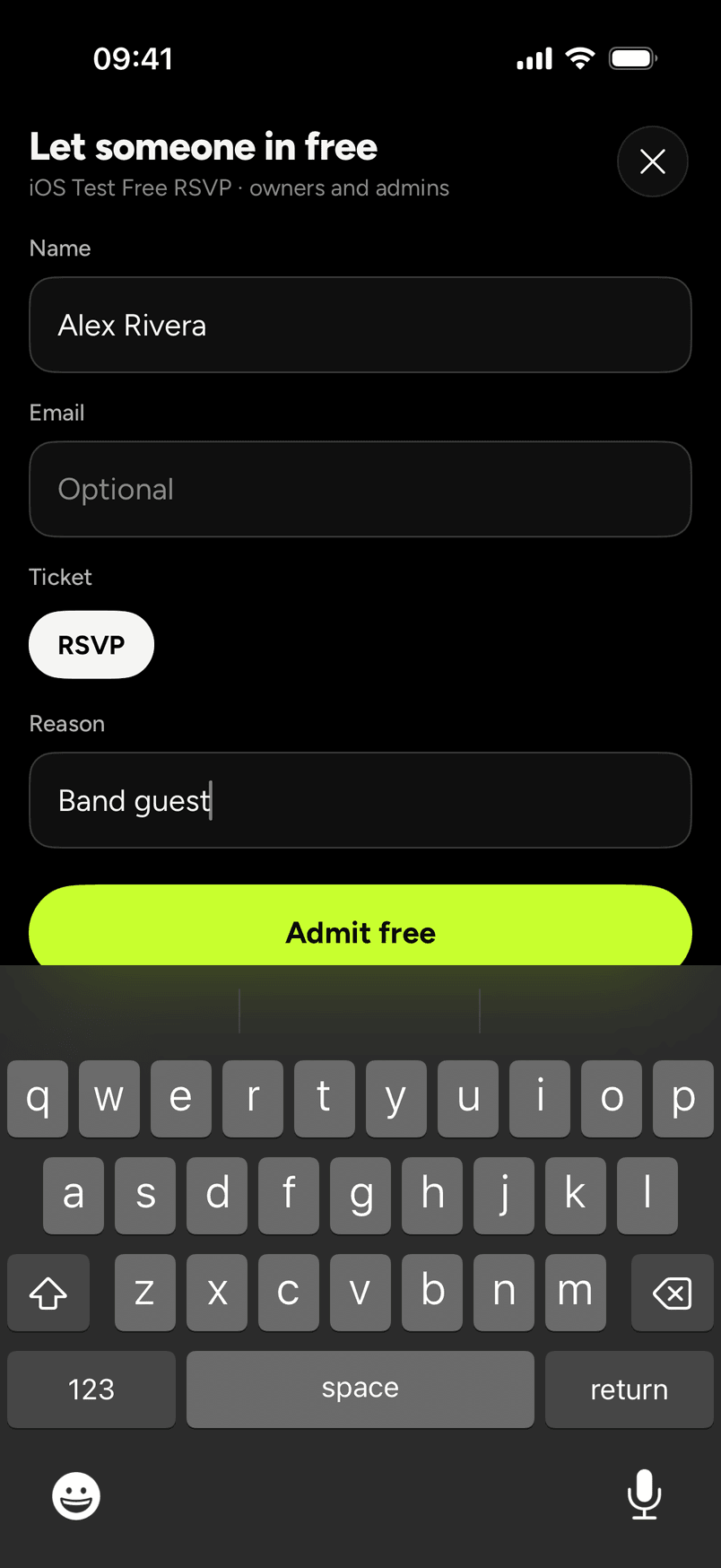
- Open the comp form from the door hub for the event. The sheet is titled Let someone in free, and under the title it shows the event's name and "owners and admins".
- Type the guest's name in Name.
- Email is optional. Leave it blank or type the guest's address.
- Under Ticket, tap the ticket type.
- Type why in Reason. The picture below uses "Band guest".
- Tap Admit free.
For comps on the website, see Give someone free tickets. Selling tickets at the door with a card is a separate feature and isn't in the app you can download yet.