What you can do in the app, and what stays on the web
The organizer app is for iPhone, on iOS 18.0 or later. It's the same app fans use. This page lists where things are, and what isn't in the app.
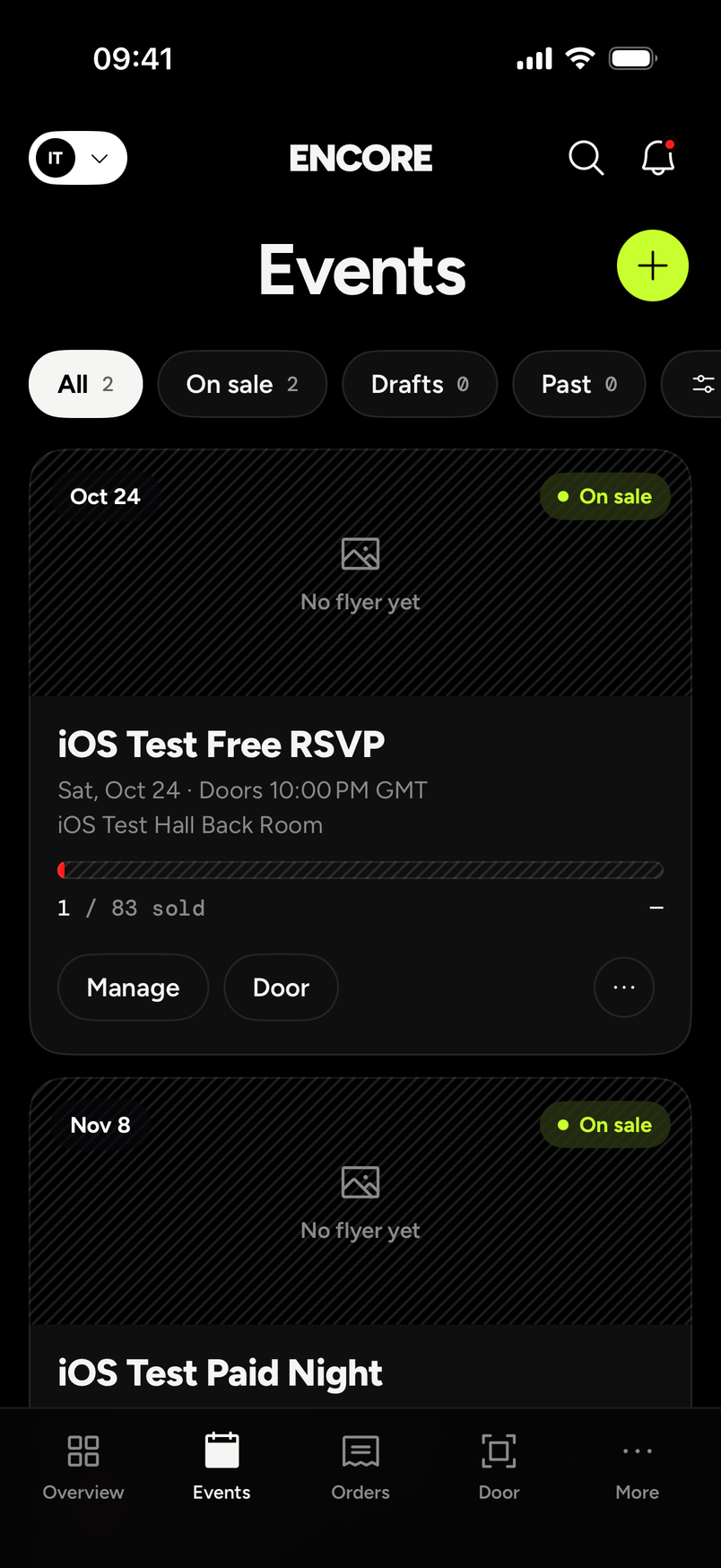
The tabs
The bottom of the app has five tabs: Overview, Events, Orders, Door and More.
- Events lists your events. The filters are All, On sale, Drafts and Past, and the plus button starts a new one. Each event has Manage and Door buttons.
- Door is where you scan. See Scan and check people in with the app.
- More holds the rest, below.
Under More
More lists Customers, Analytics, Money, Team, Settings and Setup checklist. Switch to fan view takes you back to the fan side of the app.
Under Settings
Settings lists:
- Public page
- Embed the ticket box
- Notifications
- Data and export
- Promoters
- Revenue splits
- Stripe account
- Team
- Sign out
Your Stripe account is listed in Settings. Setting up payouts is explained in How do I set up payouts with Stripe?
Manage an event
Open Events, then tap Manage on an event. From there you can reach that event's promo codes, waitlist, transfers and cover photo.
What isn't in the app
- Checking someone in by hand. Check-in in the app is by scan.
- Undoing a check-in.
- Door passes. A helper with a door-pass link and PIN scans on the web door, not in the app. Door staff with their own account sign in to the app as usual. See Door PIN for one-night staff.